What the video covers
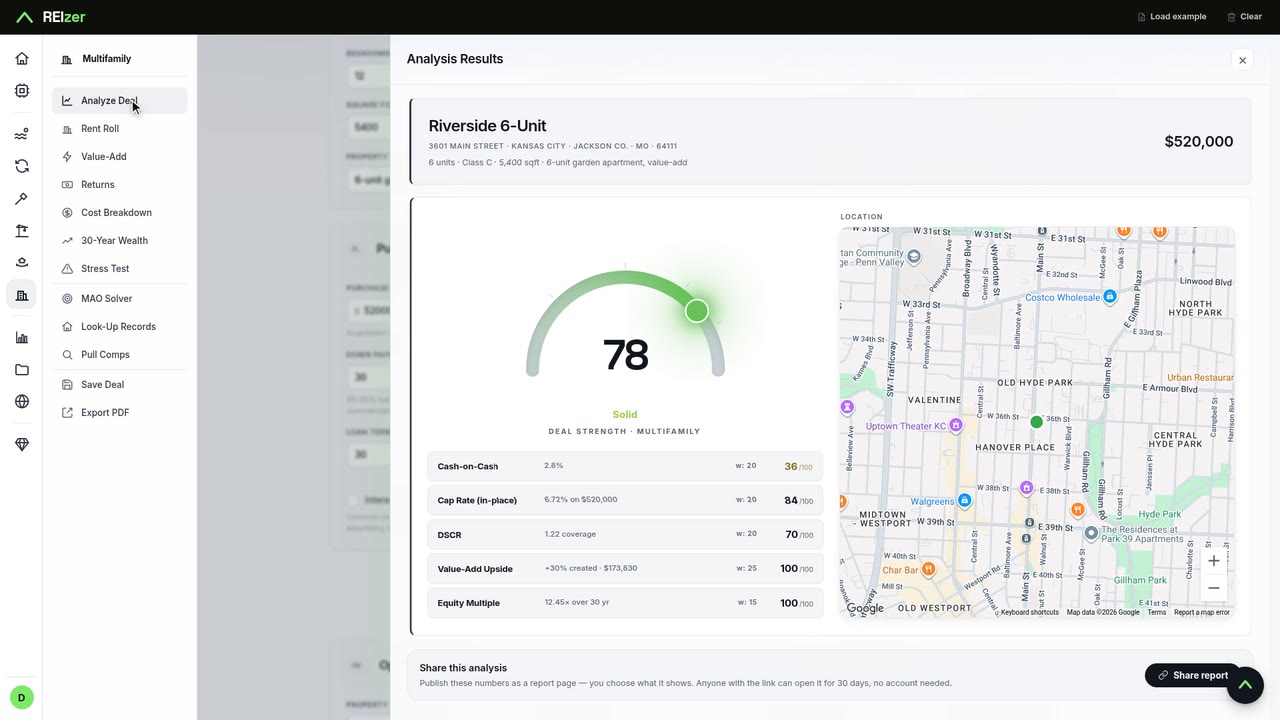
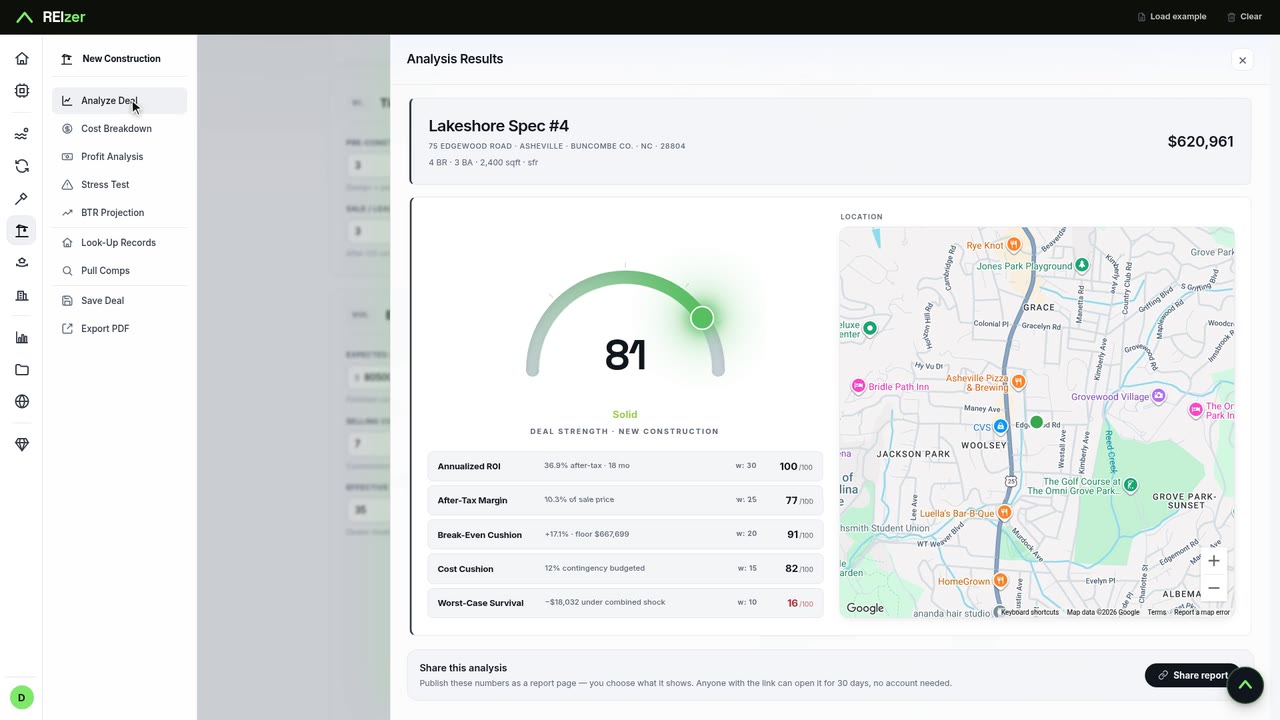
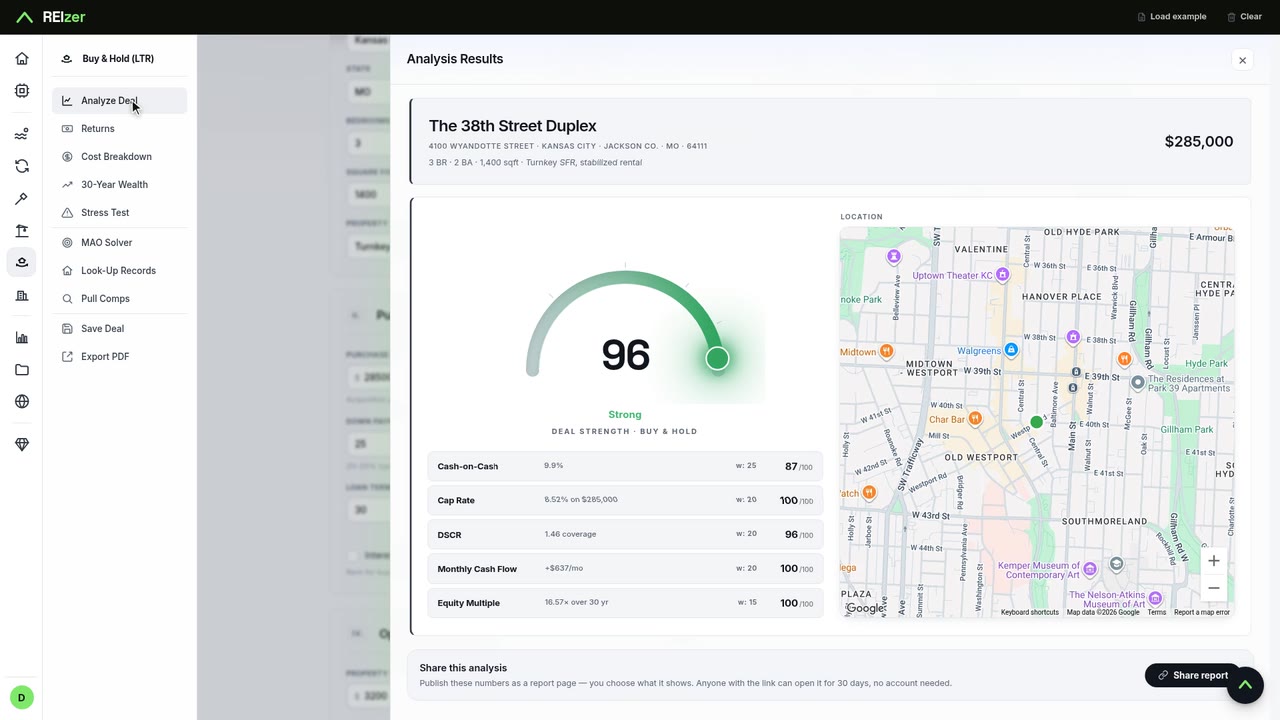
Open the fix-and-flip workbench, start from the example, and type the three numbers a flip lives on: the purchase price, the rehab budget and the after-repair value. Analyze scores it 89 out of 100 and shows the profit after taxes and every cost, about $37,900 here, with the return on your cash annualized.
The panels follow: Profit Analysis lays out the loan, holding costs, selling costs and what's left; the Stress Test shows what happens if the rehab runs over, the sale takes longer, or the price comes in lower; Capital Velocity shows how your money grows if you keep flipping and reinvest; and the MAO Solver tells you the most you can pay to clear a $30,000 profit target.
A note on the numbers
The example deal that loads by default scores 45. In the video we type a lower price and a higher after-repair value, which is the point: two numbers move a flip from risky to strong, and the score tells you which side you're on.