What the video covers
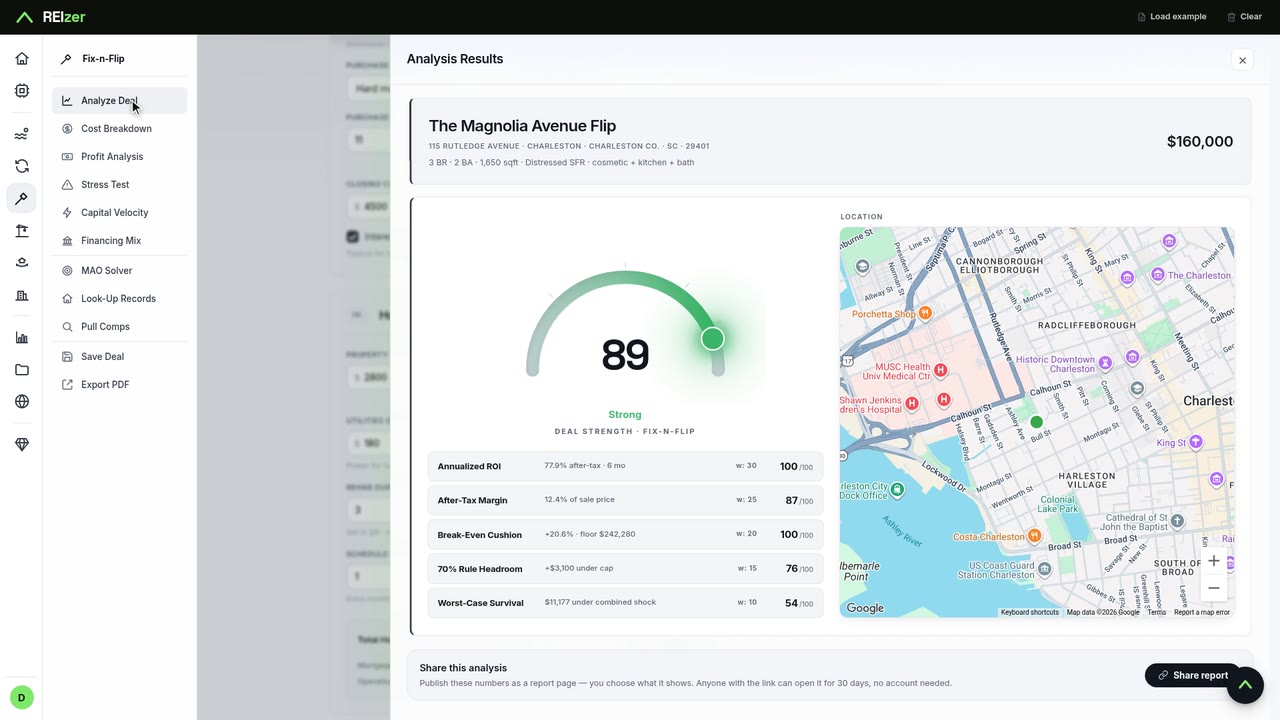
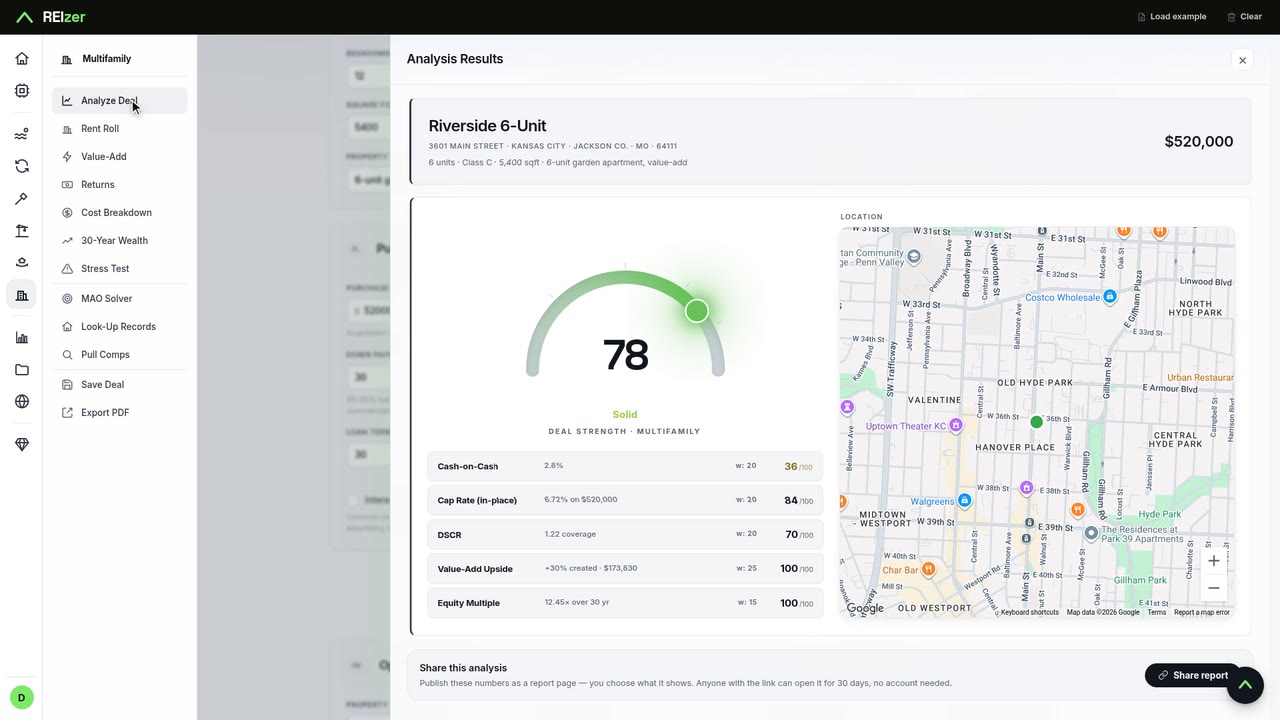
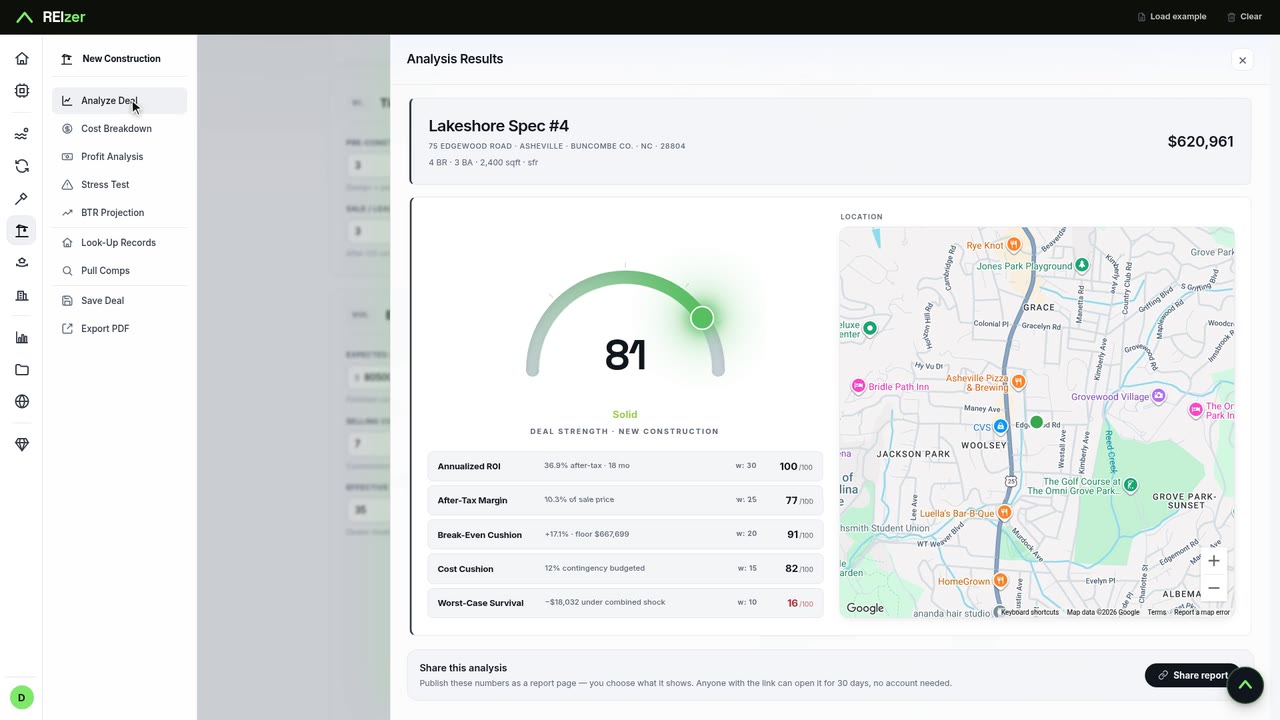
Open the long-term rental workbench, load the example, and type the address and the two numbers that matter most: the price and the monthly rent. One click on Analyze and REIzer scores the deal out of 100, built from cash flow, cash-on-cash return, cap rate and debt coverage, each scored on its own. This duplex scores 96.
From there the video walks the panels in order: Returns (what the property pays you each month and on the cash you put in), the Stress Test (rent drops, vacancy, higher rates), 30-Year Wealth (equity and cash flow as the loan pays down), and the MAO Solver, which works out the most you can pay and still hit a target. At a 7 percent cash-on-cash target, that's $314,453, about $29,000 above the asking price.
Run it on your own deal
Load the same example and you get the same numbers: the engine is deterministic. Then swap in your own property and see where it lands.